
Learn about all the awesome
things your Ionic can do!
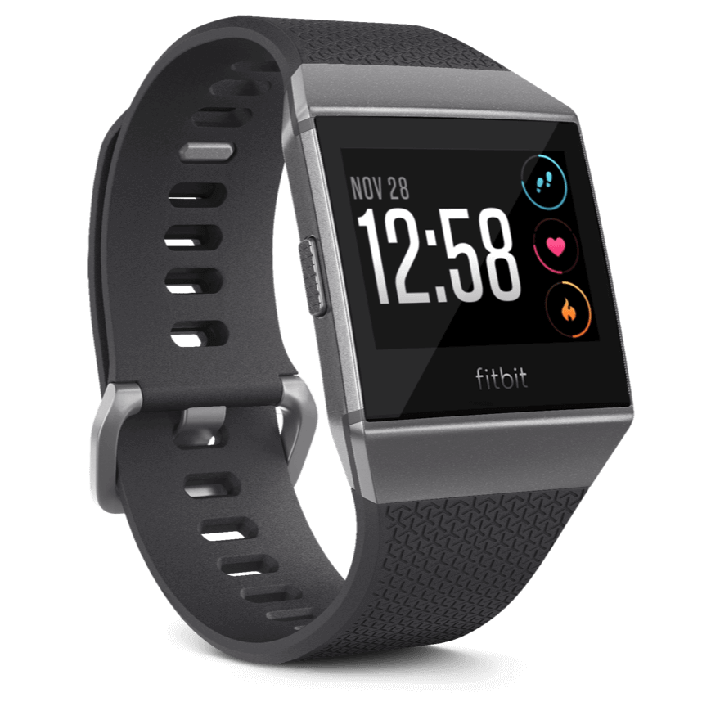
Wear your Ionic everyday to track a variety of stats.
Steps taken
Distance covered
Calories burned (total for day including rest)
Active Minutes with strenuous activity
Floors climbed
All day heart rate and zones
Ionic celebrates when you reach your main goal. By default this is set to 10,000 steps and it resets at midnight. You can change your goal in the Fitbit app settings.
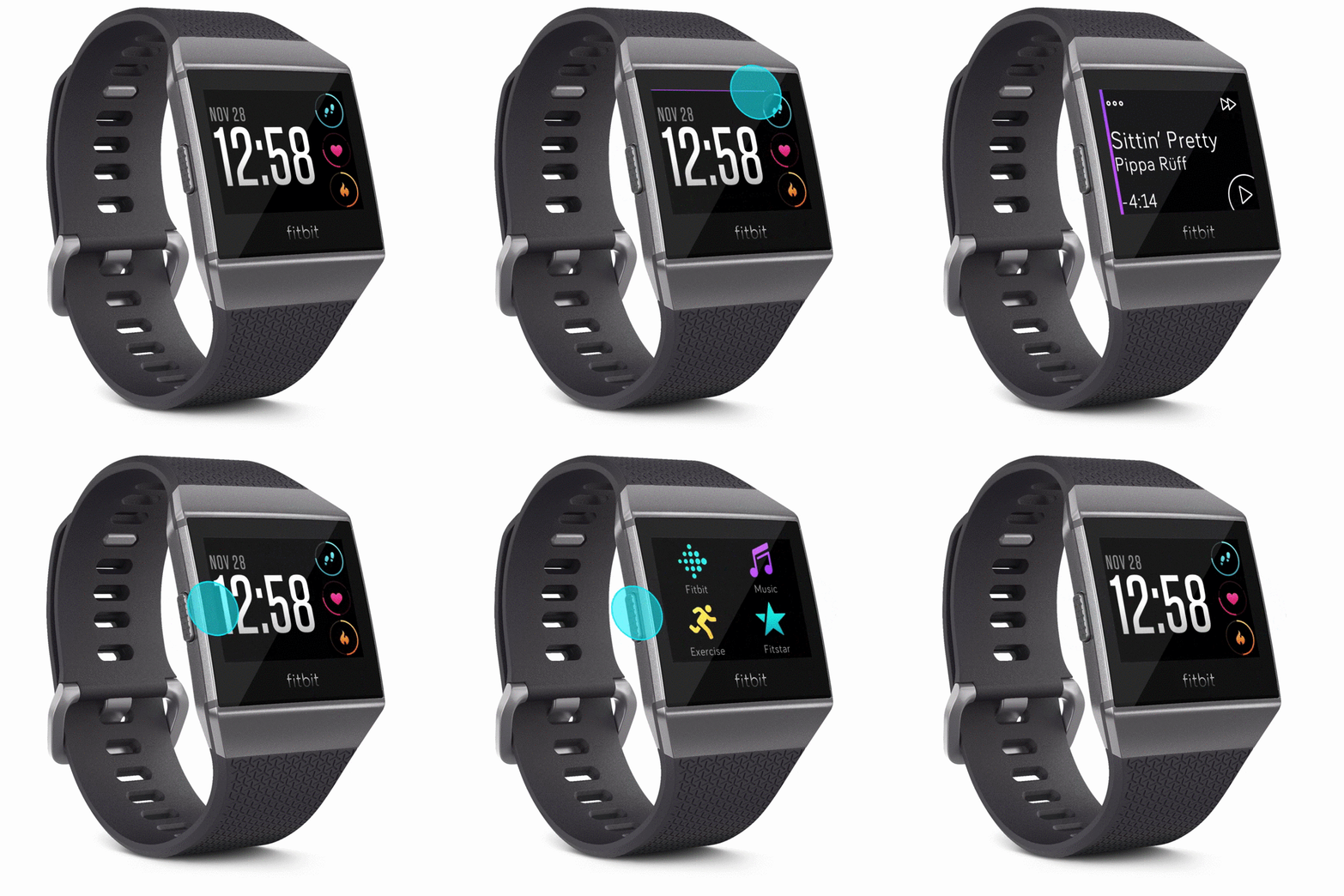
The Ionic screen turns on when you lift and turn your wrist towards you. Alternatively you can press any button or double-tap to turn on the screen, then swipe to flip through the menus.
On the clock, single-tap to flip through your daily activity stats.
The left button navigates back, the right side top and bottom buttons trigger the on-screen actions.
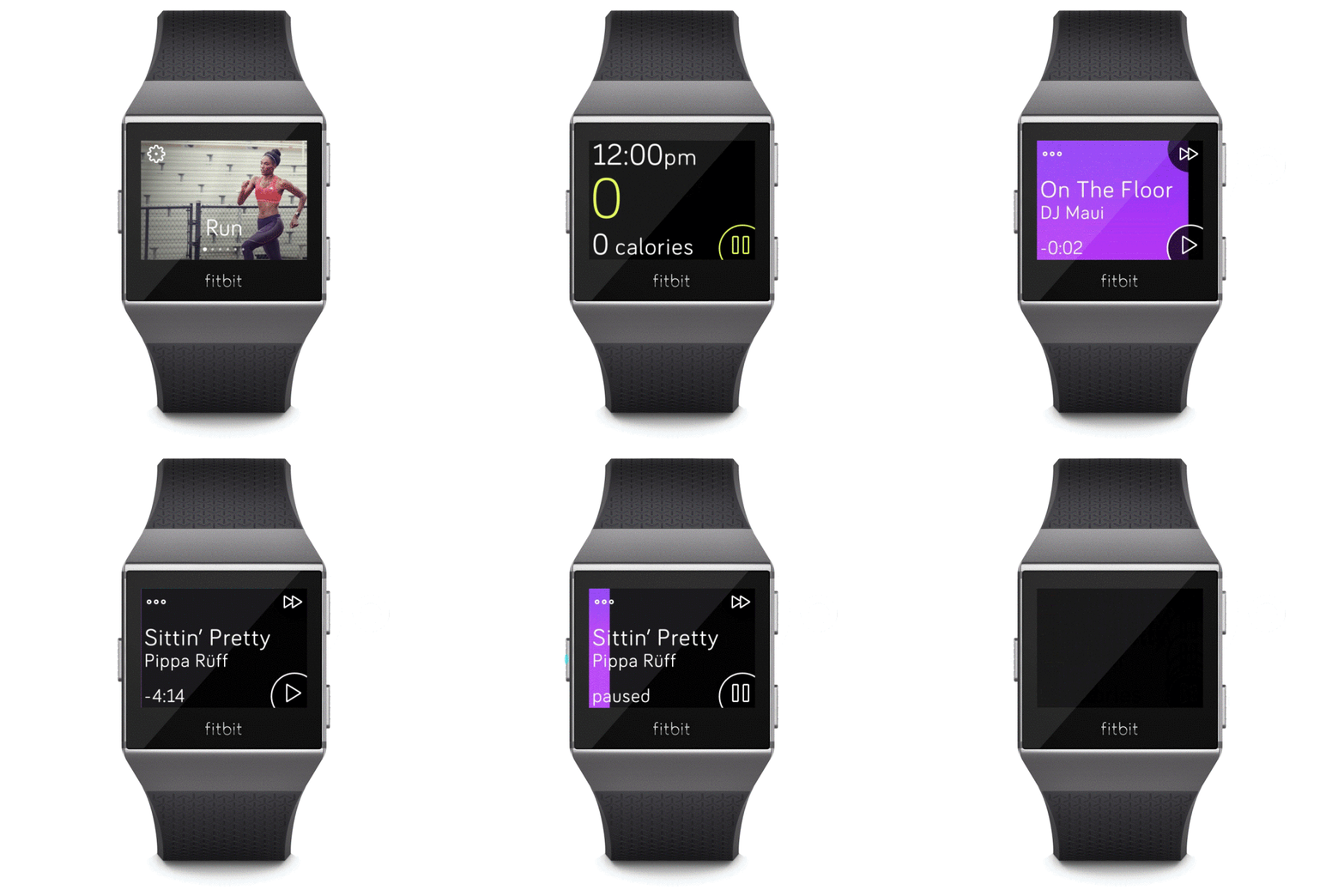
Swipe down to see the music tray.
Swipe up to see the notifications.
Swipe right from the clock to see a quick access to settings.
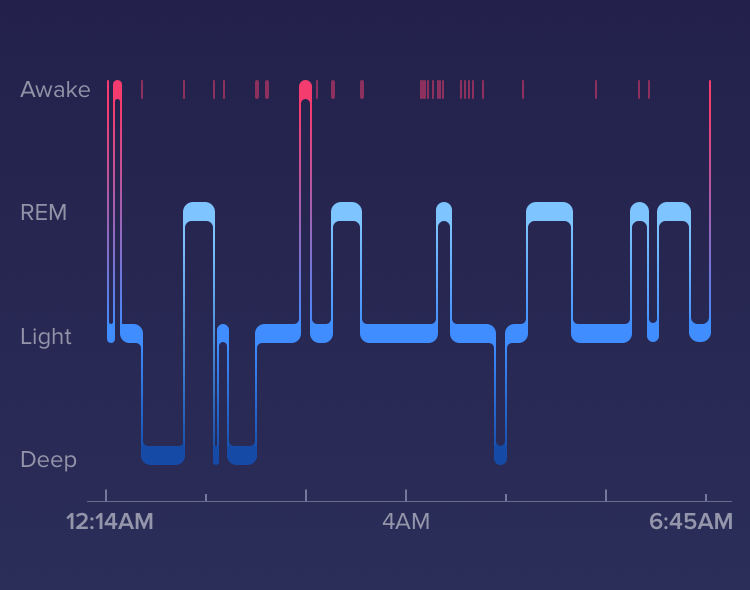
Your watch will automatically track your sleep. Just wear it to bed! Using heart rate, you can now track your time in light, deep & REM sleep, plus time awake.
Use the Fitbit app to edit your sleep logs or set a Bedtime Reminder to help you maintain a consistent sleep schedule.
To wake up in the morning or alert you at a certain time of day, you can set silent alarms that gently vibrate. If you don't press the button to dismiss the alarm, it will snooze once for 9 minutes.
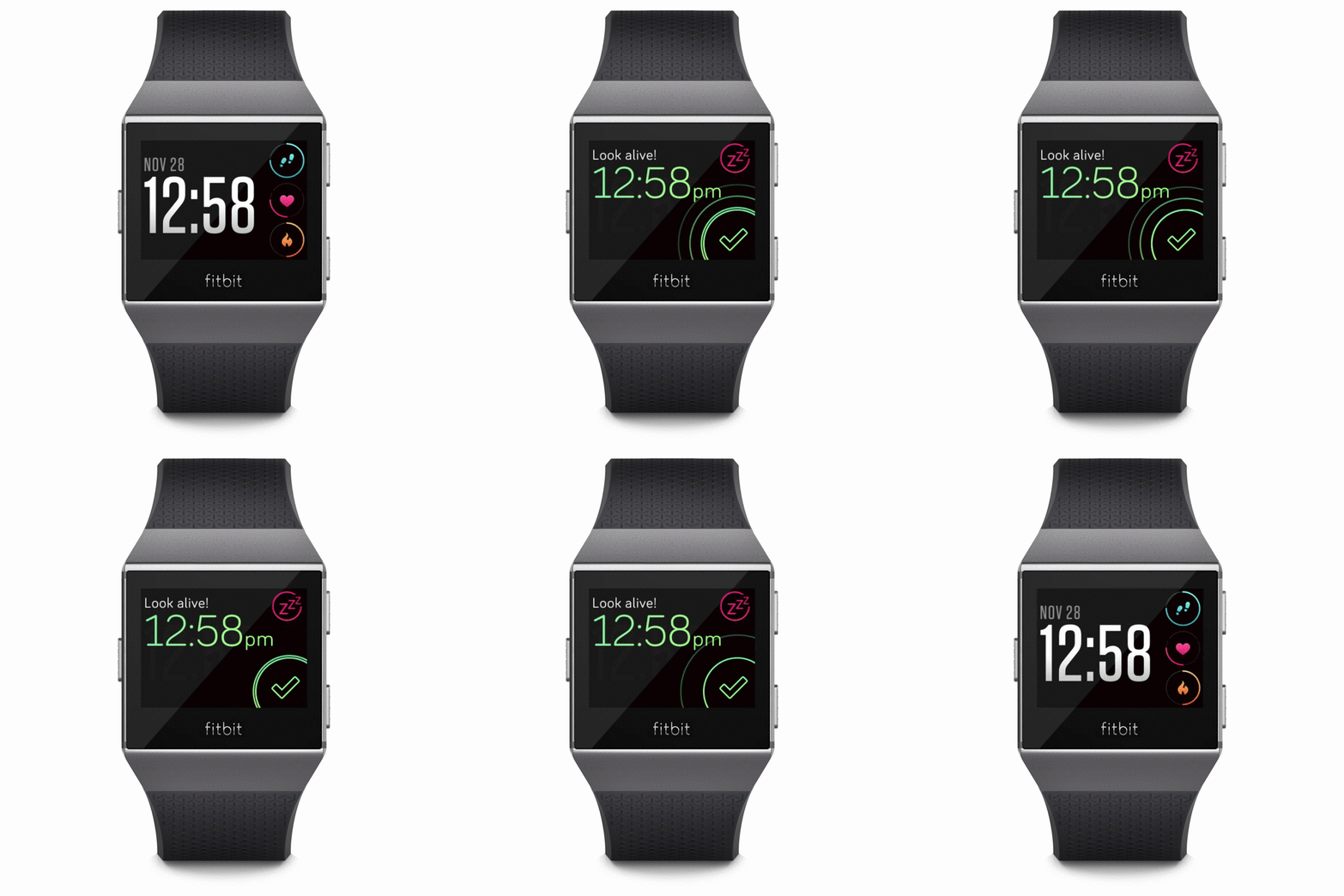
Reminders to Move help you get moving every hour. Throughout your day, try to hit 250 steps each hour.
Customize the hours you receive reminders in the Fitbit app.
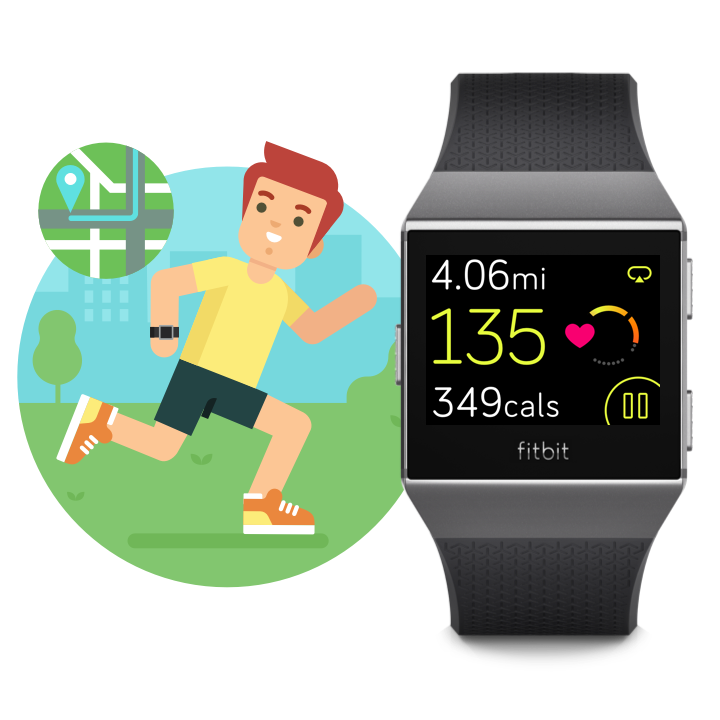
Track exercise to get more precise stats including distance, pace, and a GPS route or let Ionic's SmartTrack feature automatically capture your most active moments of the day.
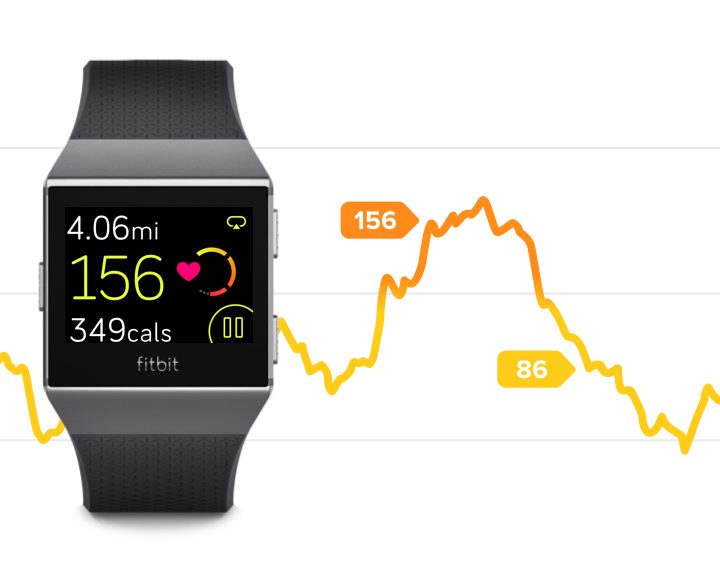
Using PurePulse technology, Ionic tracks your current and resting heart rate all day. When you exercise, see your heart rate zone right on your wrist.
Track your overall cardio fitness in the Fitbit app and see how you compare to others.
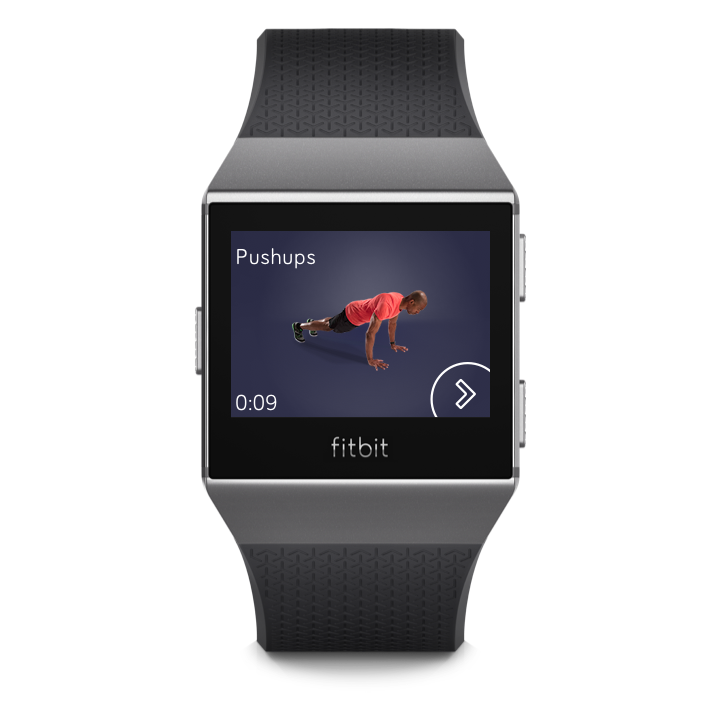
Complete guided workouts anywhere with Fitbit Coach. Provide feedback to create personalized workouts.
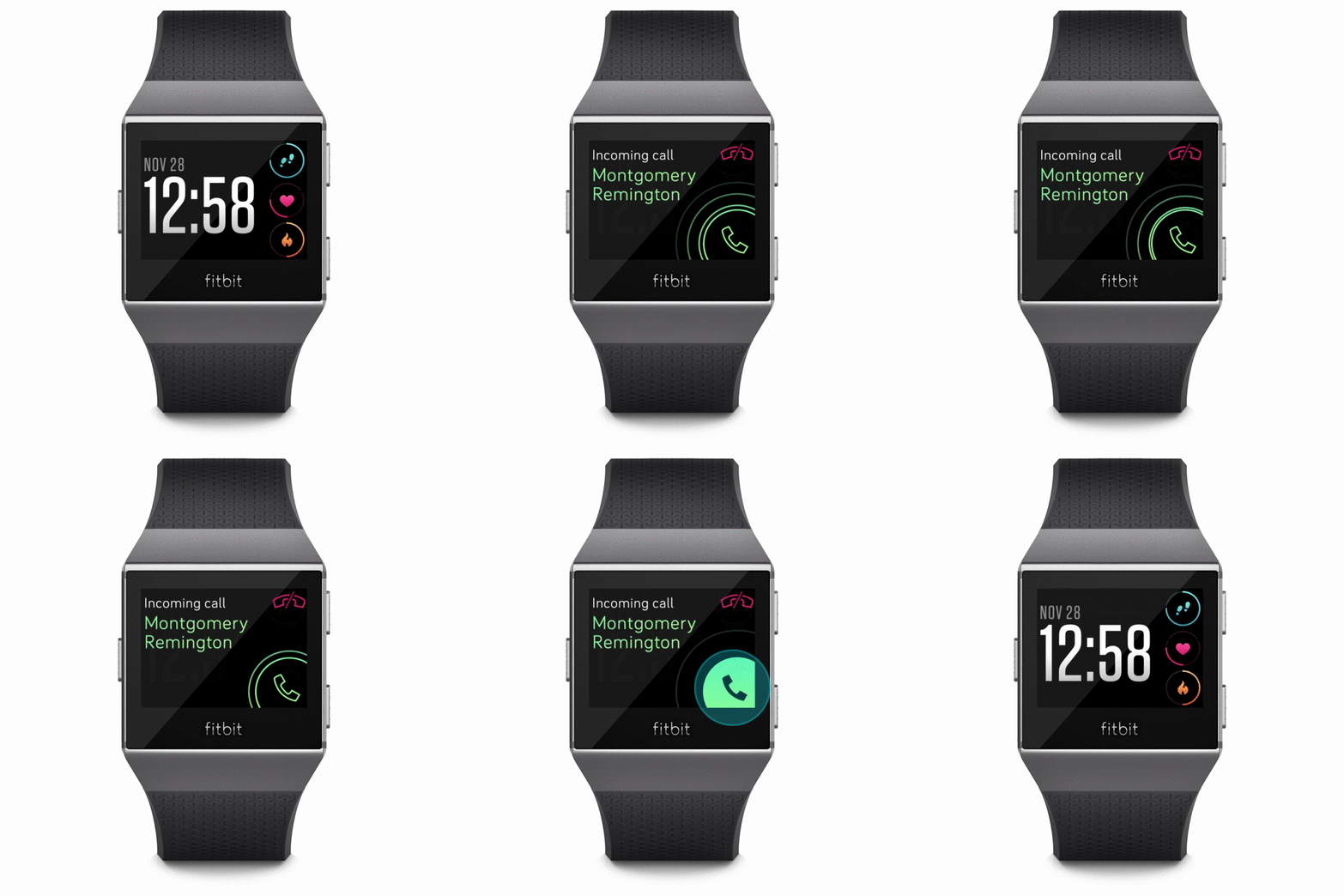
Stay in touch with call, text, calendar, and app notifications from your phone. Read a message when it's received or check your messages later.
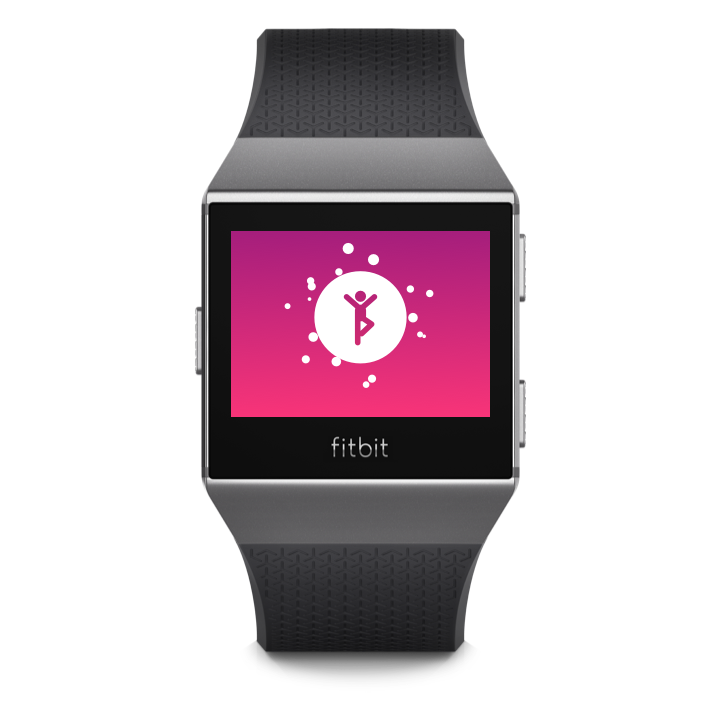
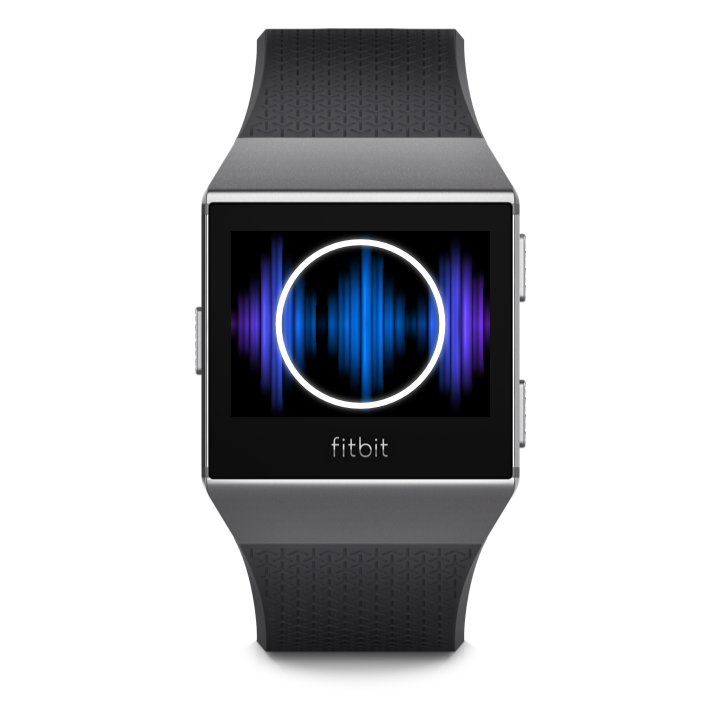
Complete a guided breathing session on Ionic to find moments of calm throughout the day. Choose between 2-minute and 5-minute breathing exercises.
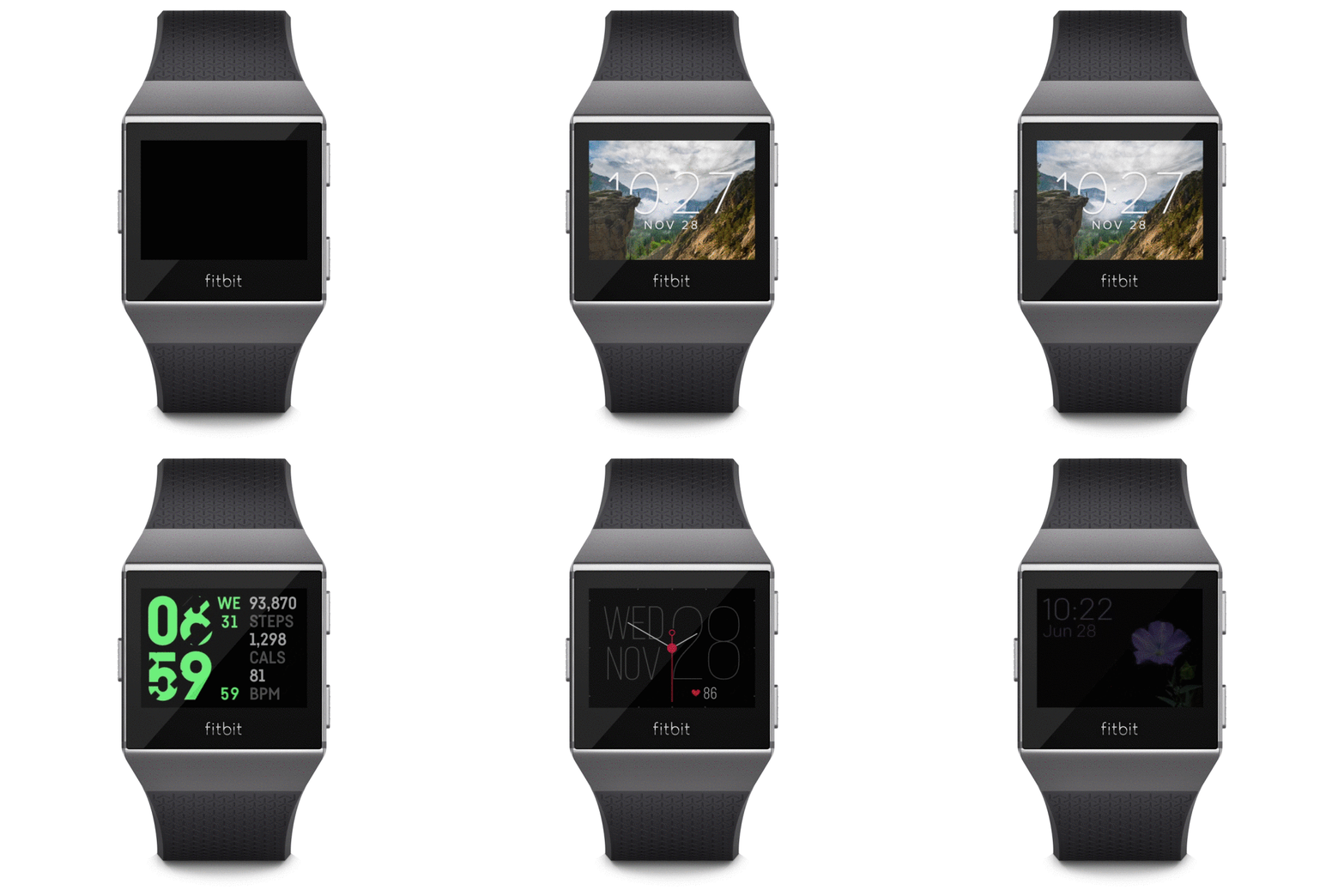
Ionic comes with several clock styles so you can track the stats that matter most. Change your clock face in the Fitbit app.

Clean your band and wrist regularly with a gentle cleanser.
Take your watch off from time to time.
If you notice skin irritation, please remove your watch. See our full Wear and Care Tips.
Ionic is water resistant up to 50 meters. If your watch gets wet, remove and dry completely after your activity.
The wristband has two separate bands that are removed individually.
To remove or swap the band, turn Ionic over and find the band latches - there’s one on each end where the band meets the frame.
To release the latch, press down on the flat metal button on the strap. Then slide the band up to release it from the watch. Repeat on the other side.
To charge your watch plug the charging cable into a USB port and connect the magnetic charger to your watch. Make sure the gold pins are aligned.
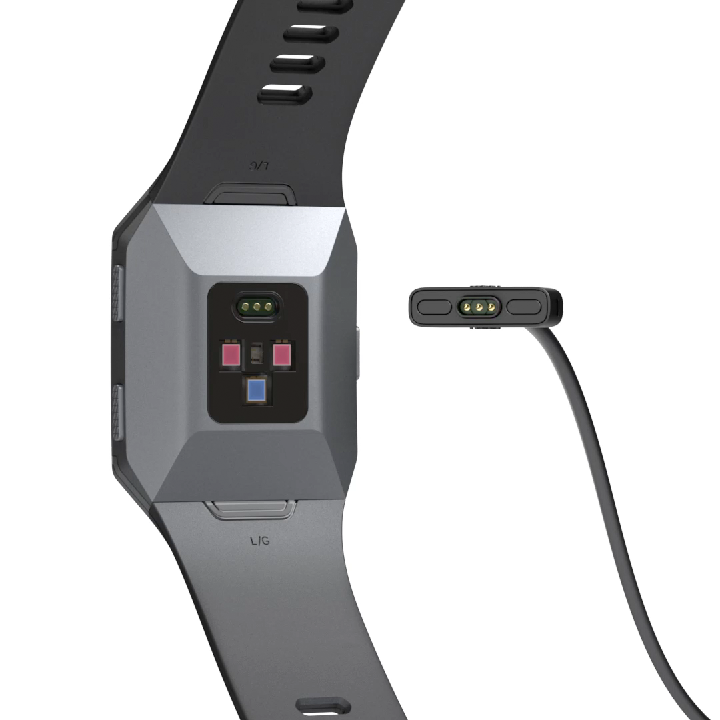
You'll see a low battery indicator on your watch when your battery level is low. Charging may take up to 2 hours, depending on the current power level.
Your fully charged Fitbit Ionic has a battery life of over 5 days. Note that battery life and charge cycles vary with use, settings and many other factors; actual results will vary.
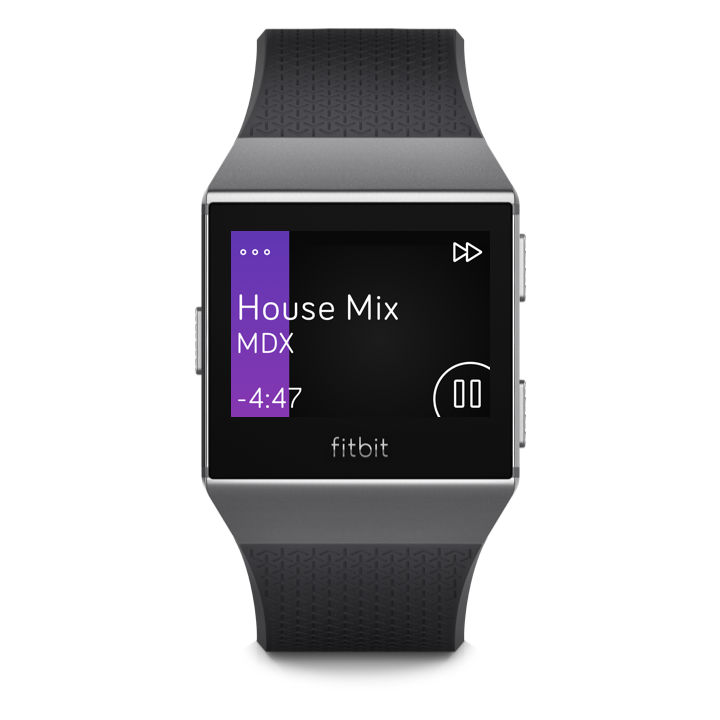
Store several hours of your favorite music and podcasts on Ionic. Listen via Bluetooth headphones and leave your phone behind while on the go.
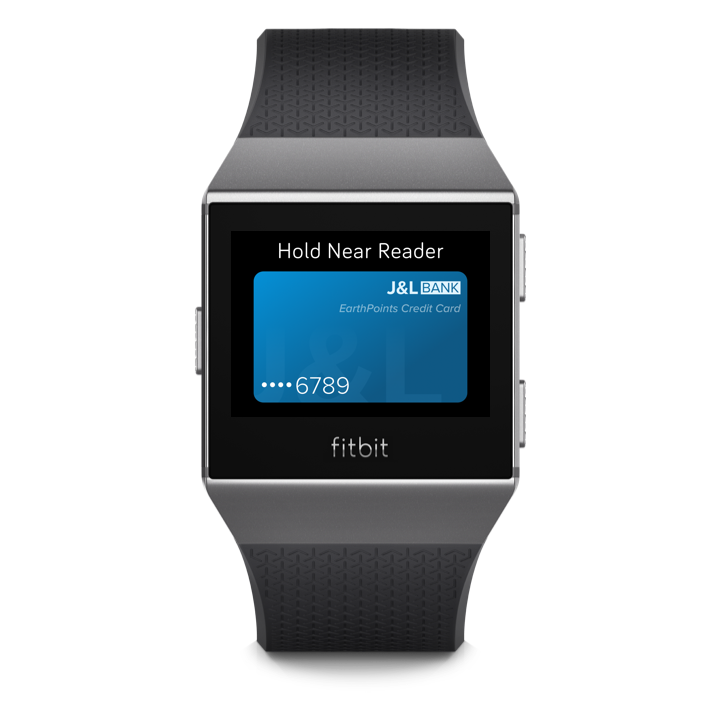
Ionic includes a built-in NFC chip, allowing you to use eligible credit and debit cards on your watch. Make purchases in stores that accept contactless payments - even when you’re traveling internationally.
(Currently available in select countries.)
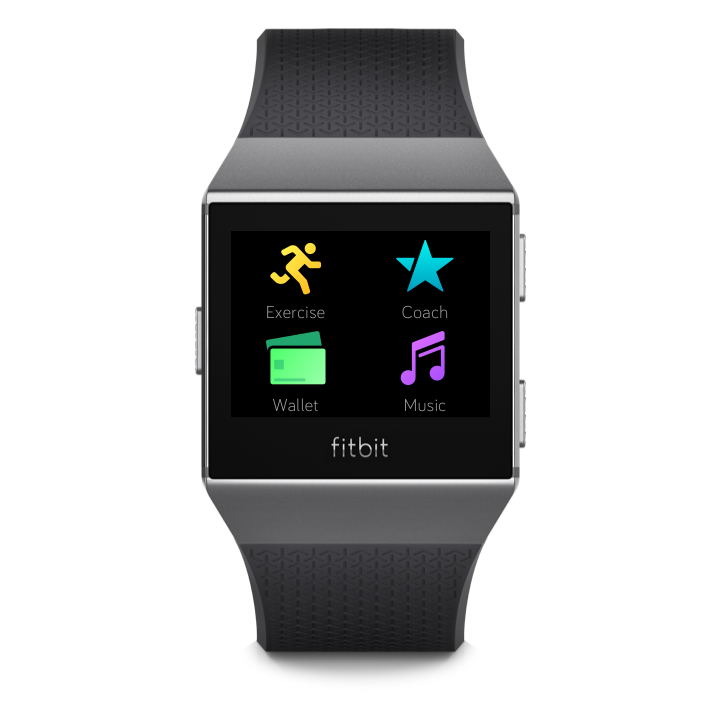
The Fitbit App Gallery offers free apps for Ionic to meet a variety of health, fitness, timekeeping, and everyday needs. Customize your watch by arranging apps for easy access.
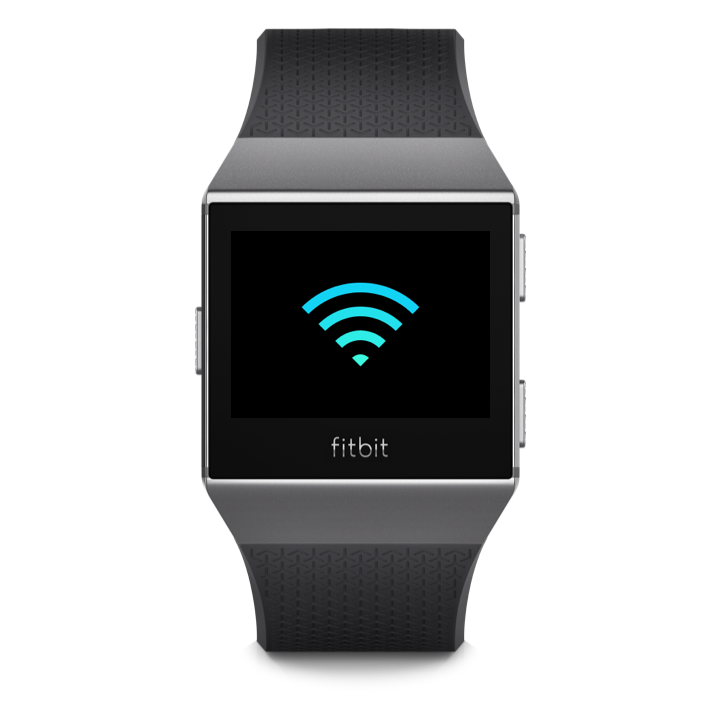
Ionic connects to Wi-Fi to download new music and apps and for faster firmware updates. For best results, use your home or work Wi-Fi network.
Set a personal 4-digit PIN code to help keep your watch secure. A PIN code is required when using Payments.
Connect up to 8 Bluetooth audio devices with Ionic, including Fitbit Flyer headphones, to listen to music, podcasts, and audiobooks. Check the battery level for your Bluetooth device right on your watch.
For more information and the full manual, visit Fitbit Help or ask the Community.